System Update Announcement
- New "Safety Test Lab Report" compliance document
Path: Listing > eBay Policies > eBay Compliance Documents
We’ve added “Safety Test Lab Report” as a new document type under eBay compliance files, so you can upload your product testing lab reports to eBay directly from PushAuction.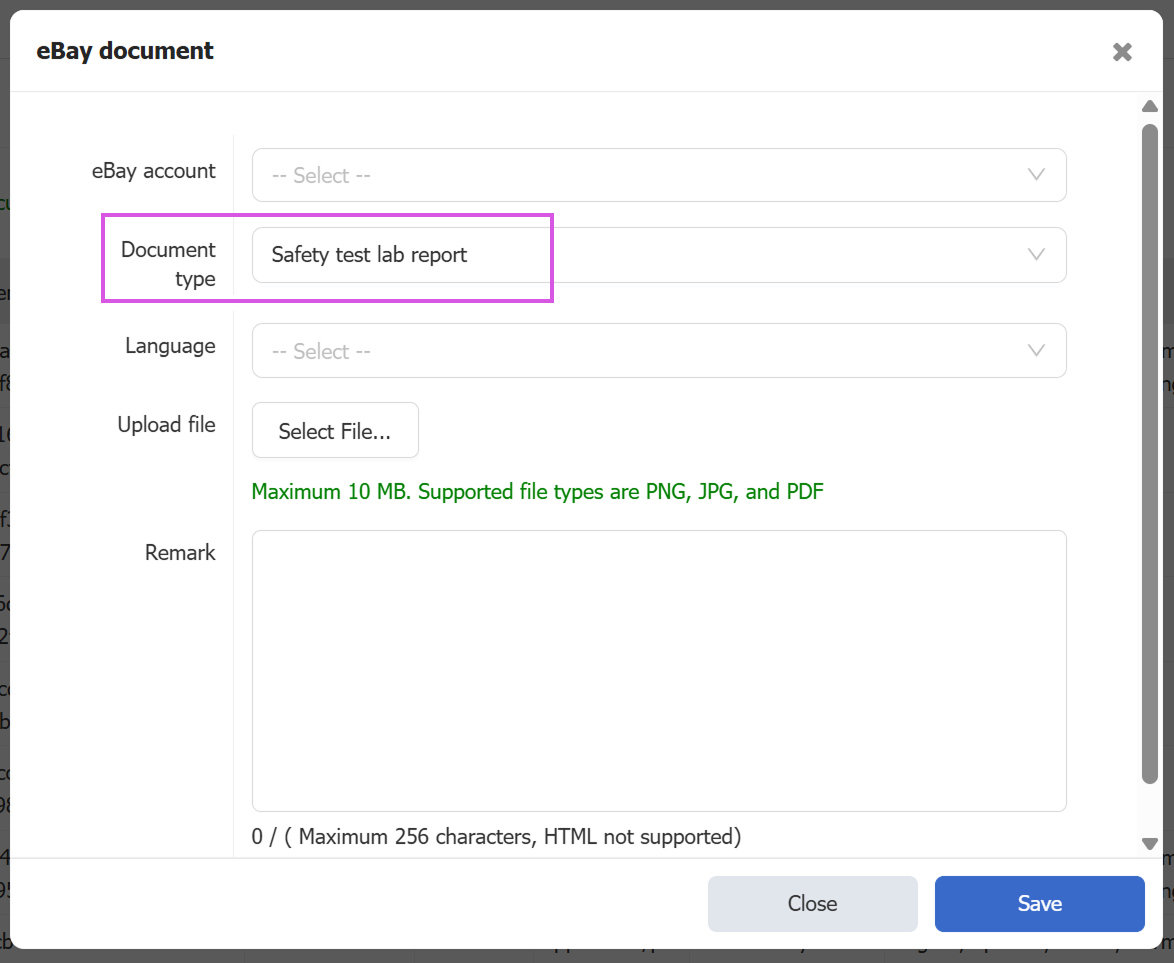
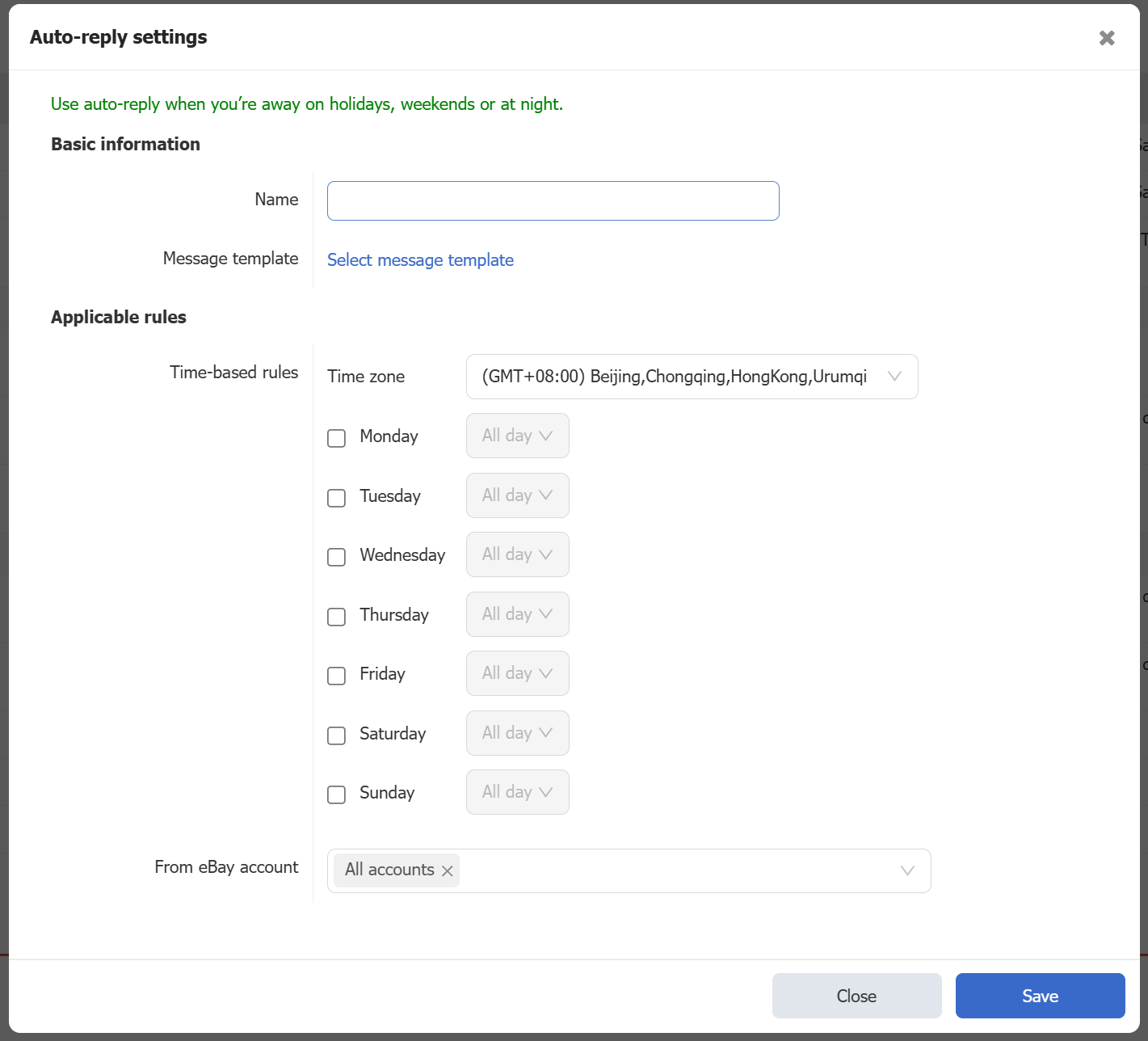
- Auto-reply to buyer messages
Path: Settings > CS Setting > Auto Reply
Set up automatic replies to buyer messages during holidays, weekends or off-hours, so shoppers still receive a timely response and a smoother buying experience even when nobody is online.
For detailed instructions: Auto Reply - PushAuction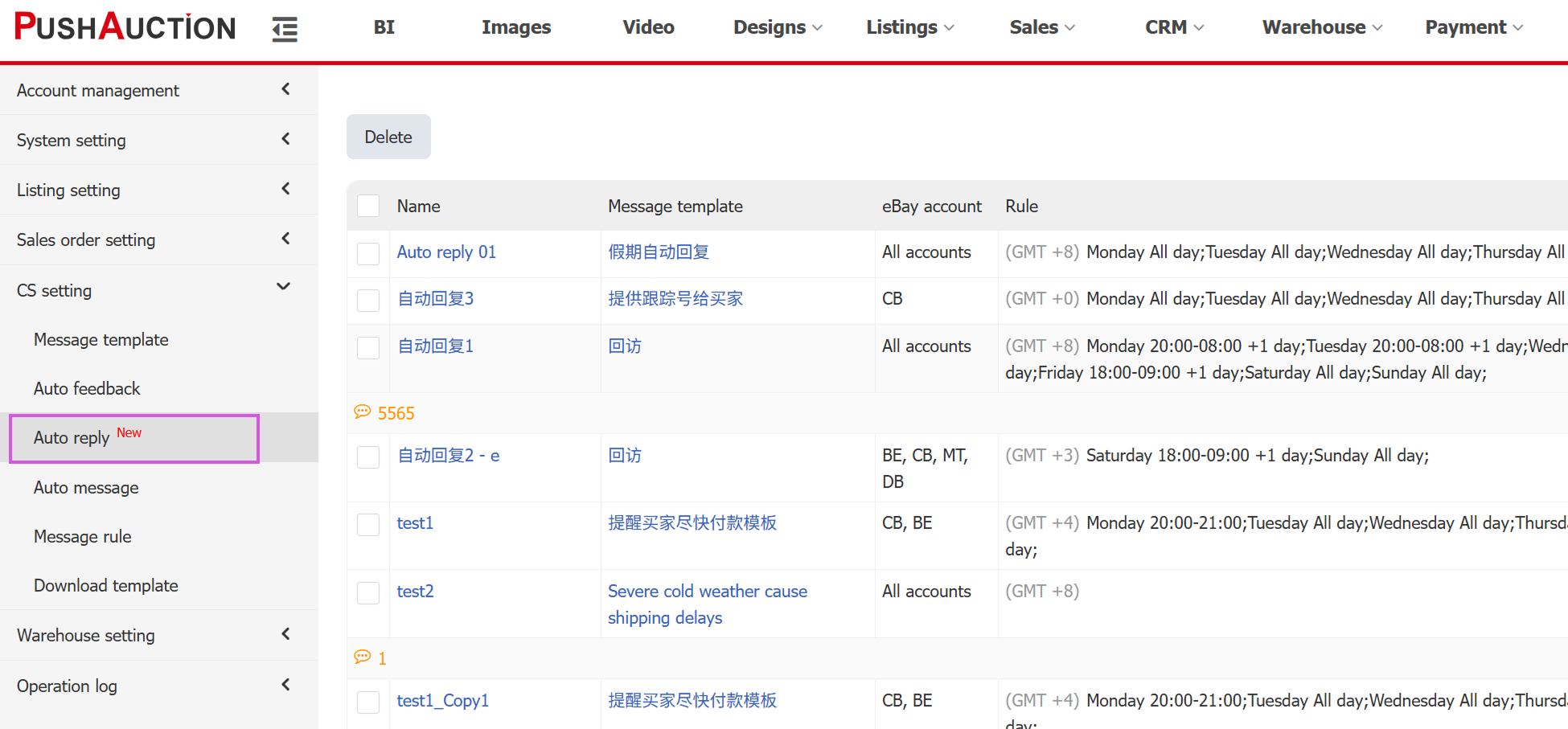
- Auto messages: new "Package Delivered" trigger & multi-account rules
Path: Settings > CS Setting > Auto Messages
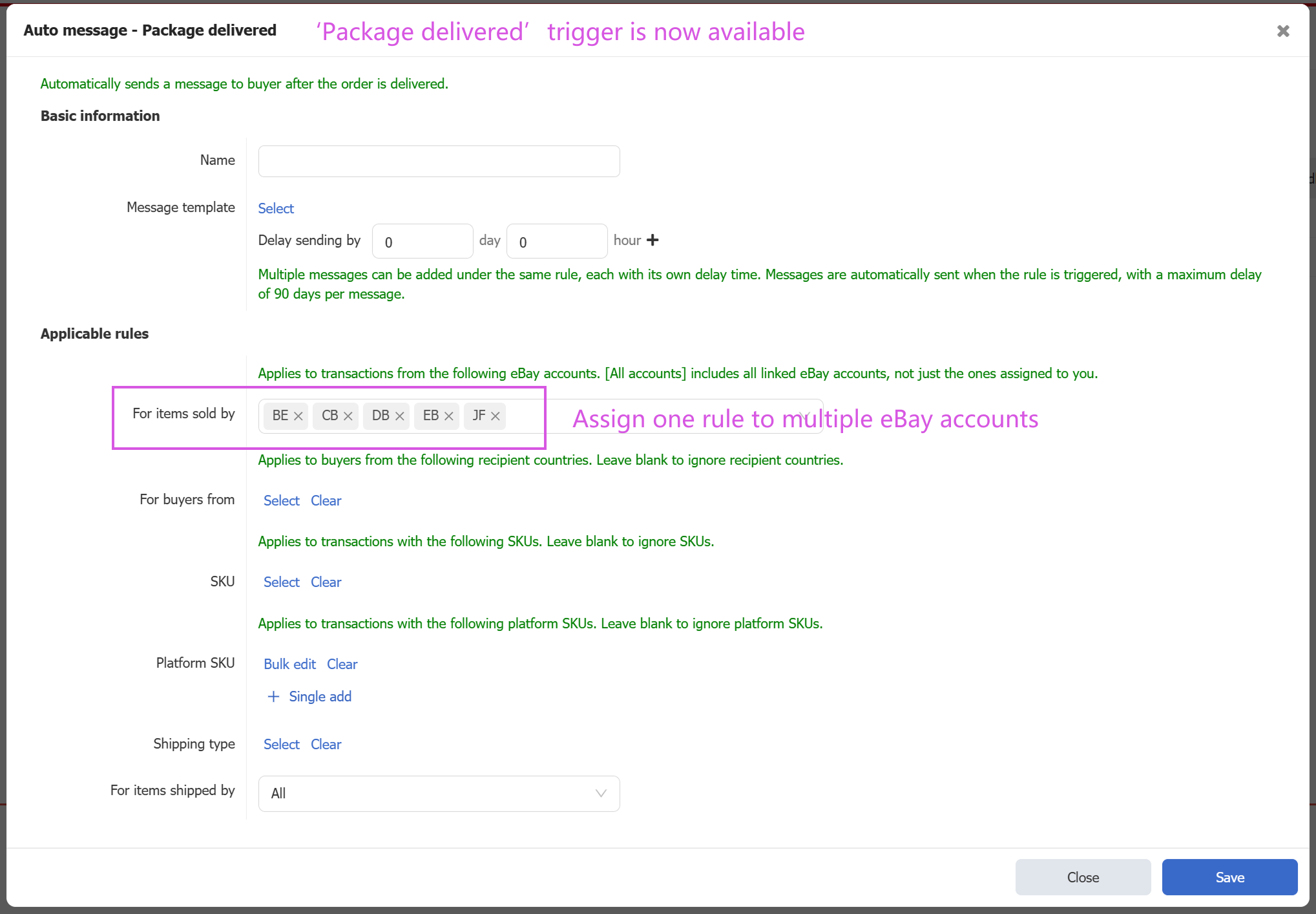
Auto messages now support a new “Package Delivered” trigger and allow you to assign one rule to multiple eBay accounts, so the same content only needs to be created once and can be reused across all relevant stores.
For detailed instructions: Auto Messages - PushAuction
- Module groups now include GPSR & Item regulatory information
Path: Listing > Module > Module Grouping
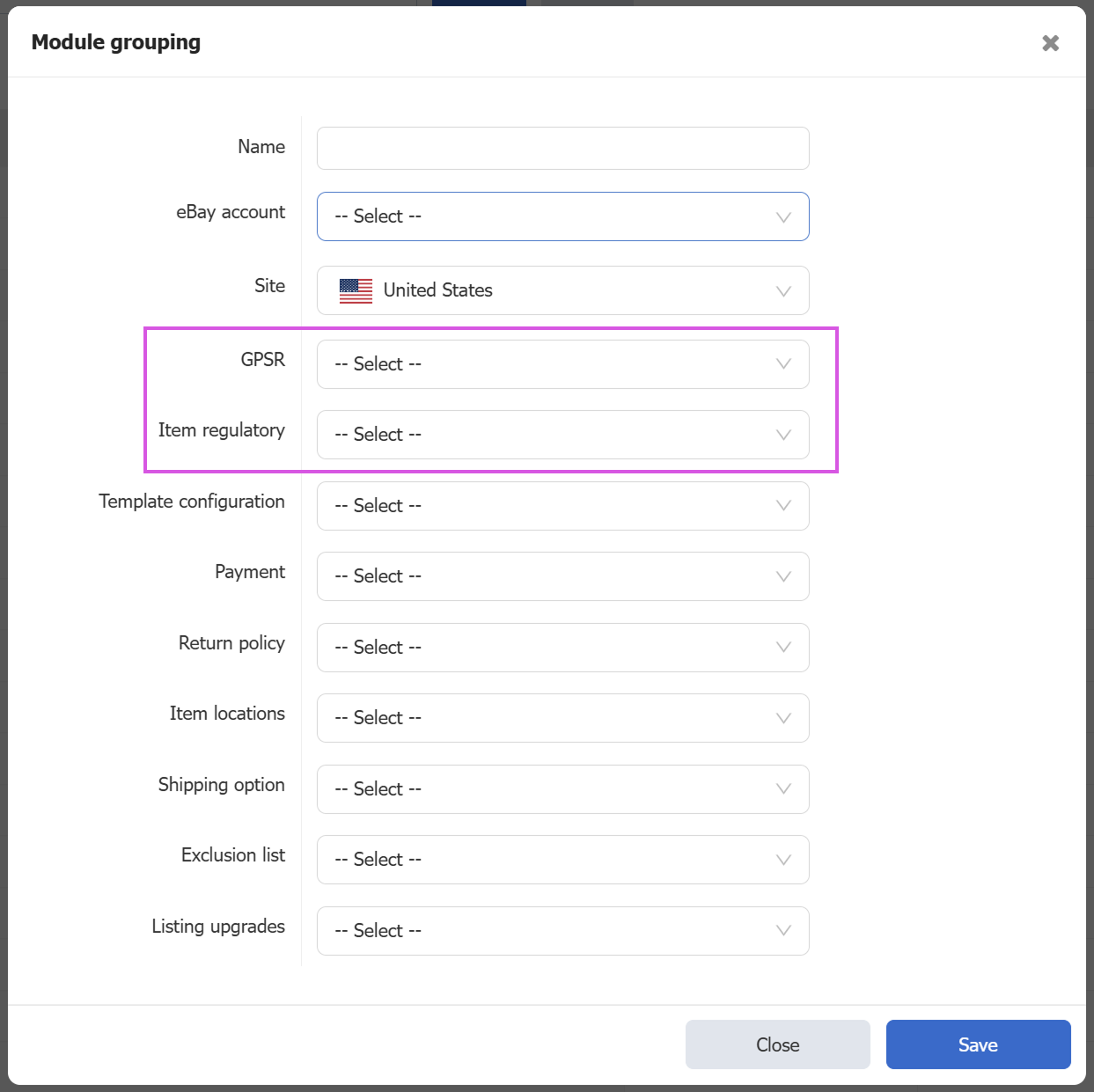
Module groups now support GPSR and item regulatory information, so when you save common content as modules and apply a module group while creating a listing, all listing details and compliance fields can be pulled in at once to reduce repetitive typing.
- Bulk accept / decline Best Offers
Path: Sales > eBay Best Offer > Active
You can now accept or decline multiple Best Offers in bulk by selecting several offers and handling them in one action, instead of processing each offer one by one.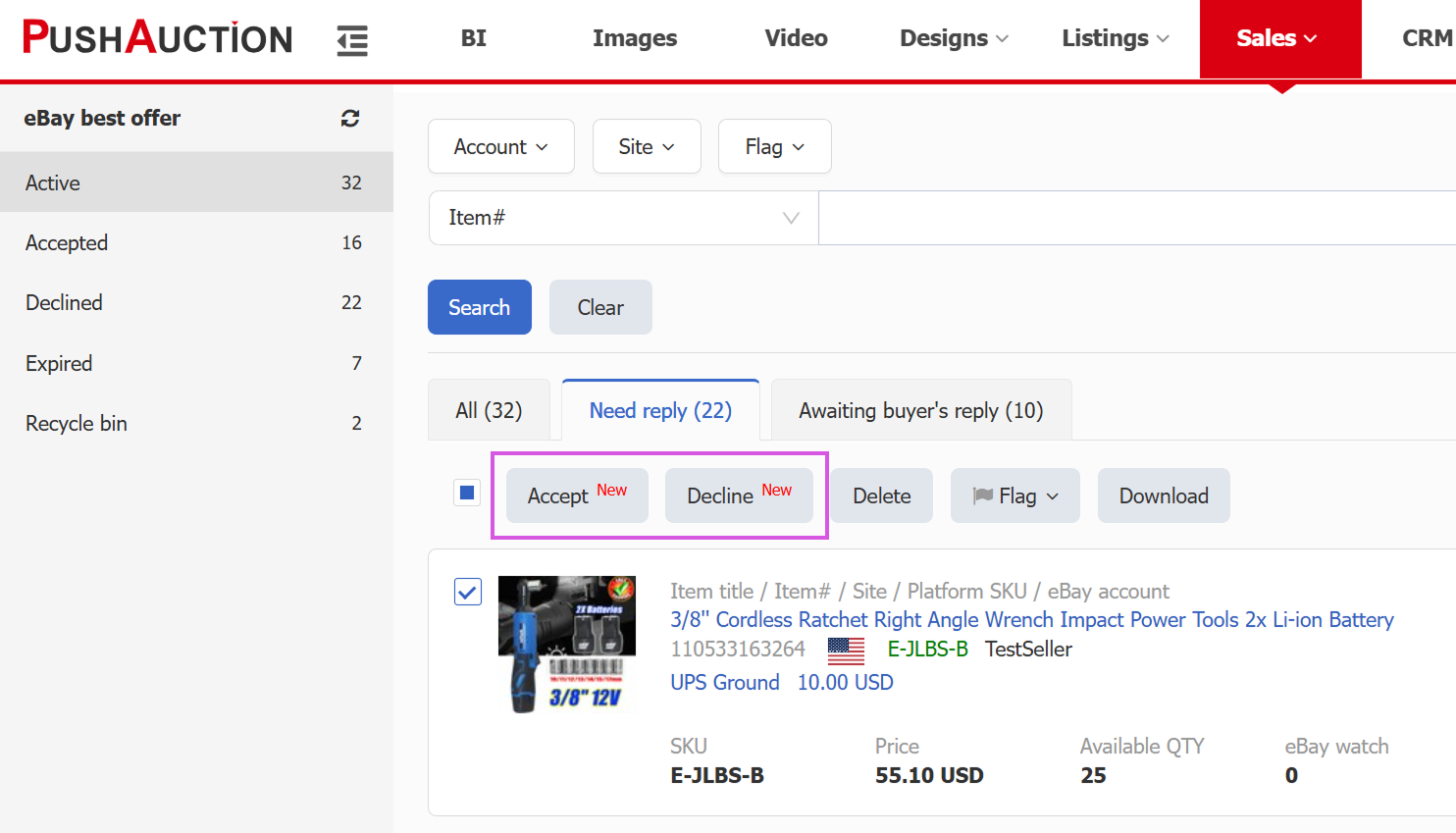
- PLG campaigns: bulk edit ad rates via Excel
Path: Listing > eBay Marketing > Promoted Listings-General (PLG)
PLG campaigns now support bulk updating ad rates through Excel: download campaign data, adjust rates locally, then upload the file back to PushAuction to update many listings in one go and avoid manual line‑by‑line edits.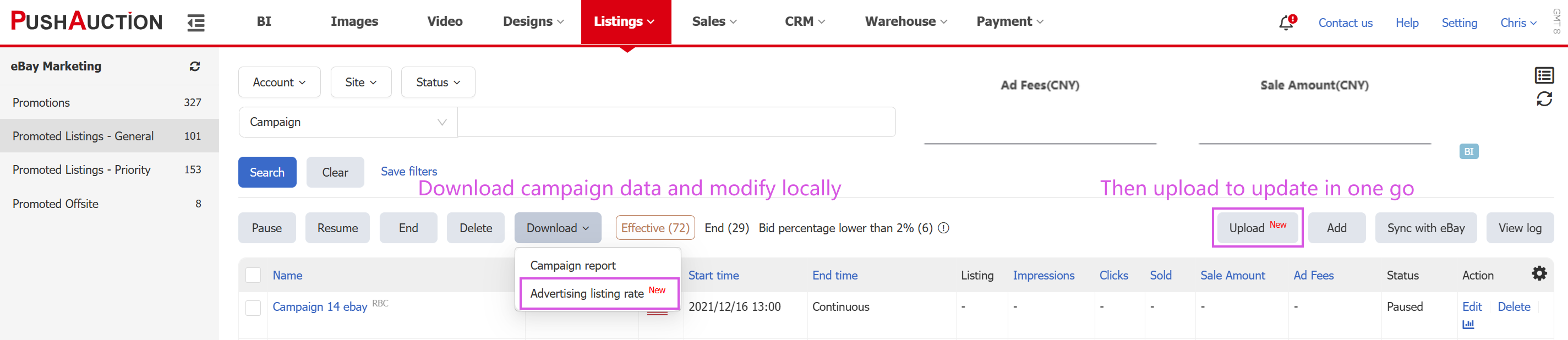
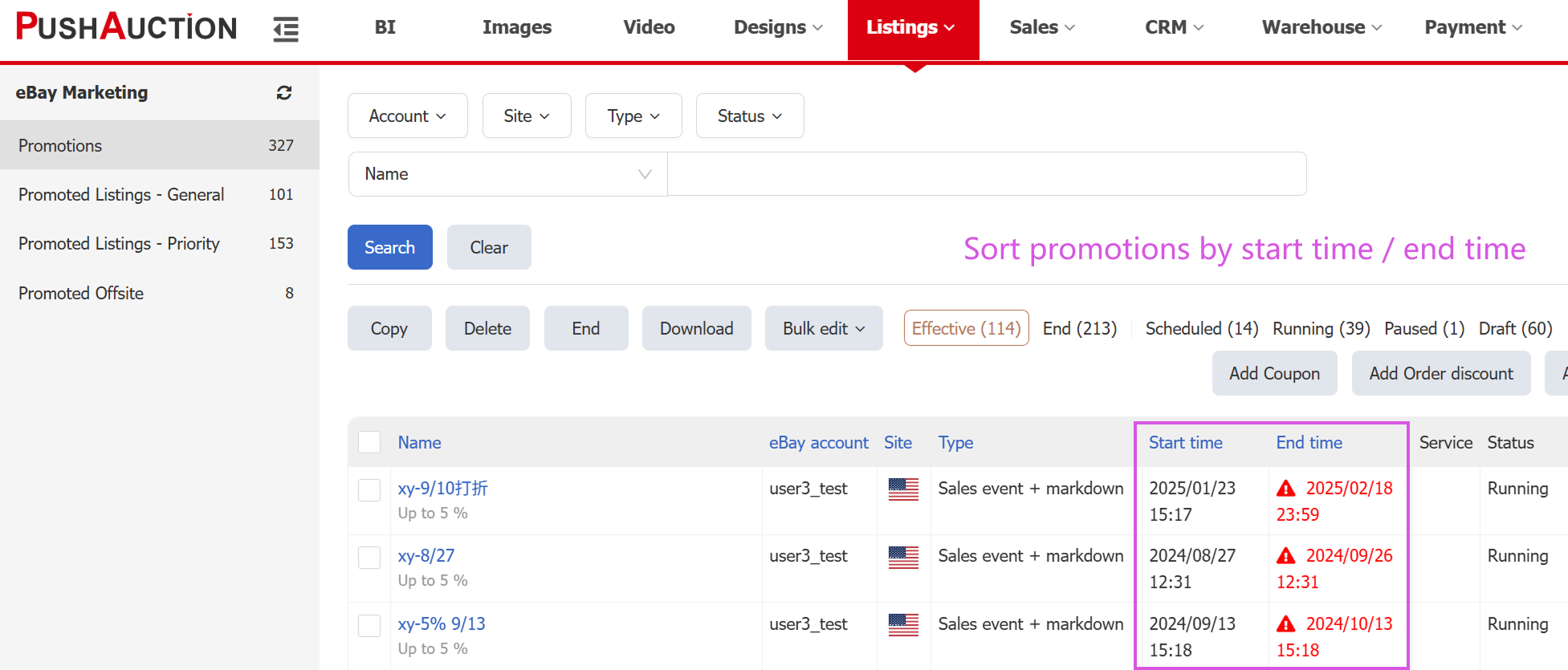
- Sort by discount start time / end time
Path: Listing > eBay Marketing > Promotions
On the promotion page you can now sort campaigns by start time or end time, in ascending or descending order, making it easier to spot promotions that are about to expire and adjust your strategy in advance.
- Save filters in PL search
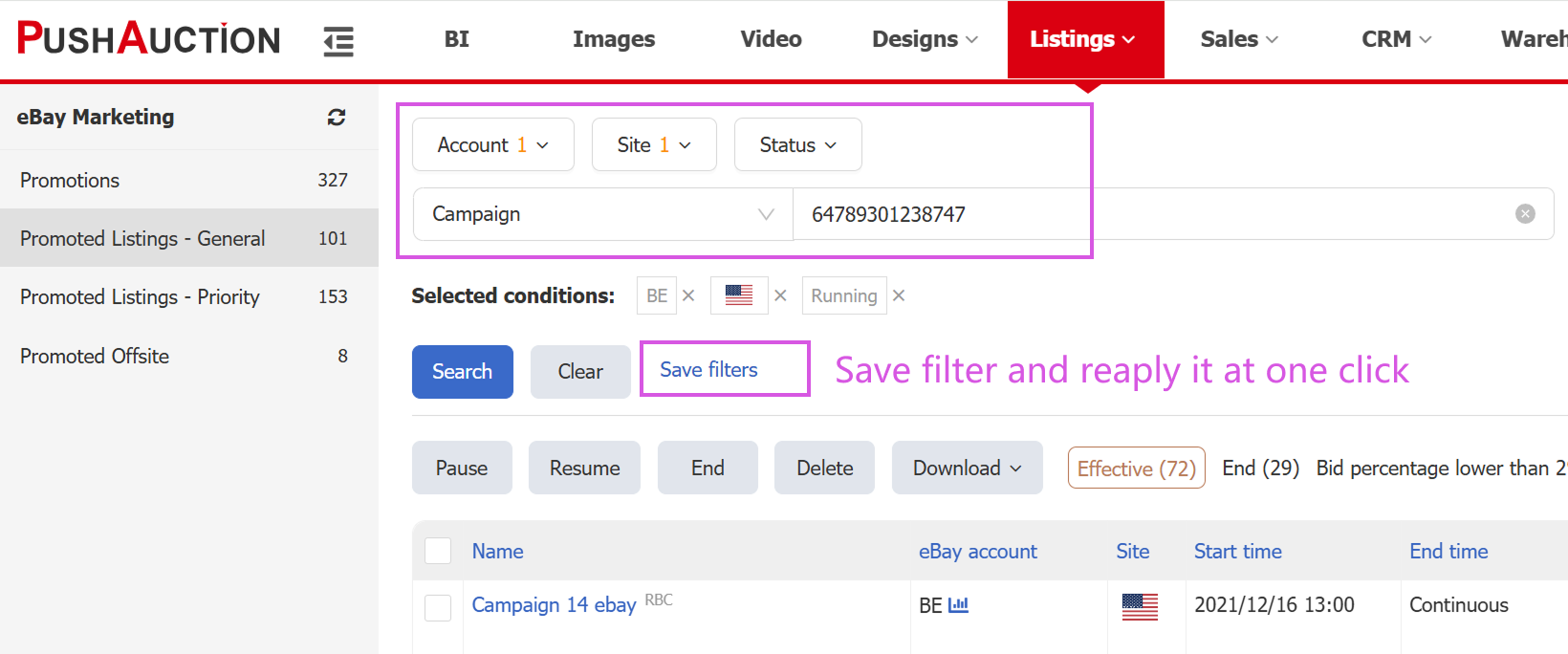
Path: Listing > eBay Promotions > General Promotion Strategy (PLG)
On the PLG, PLP and PO pages, once you’ve set up your filters you can save the current filter set and reapply it with one click next time you run the same search, instead of repeatedly ticking the same options.
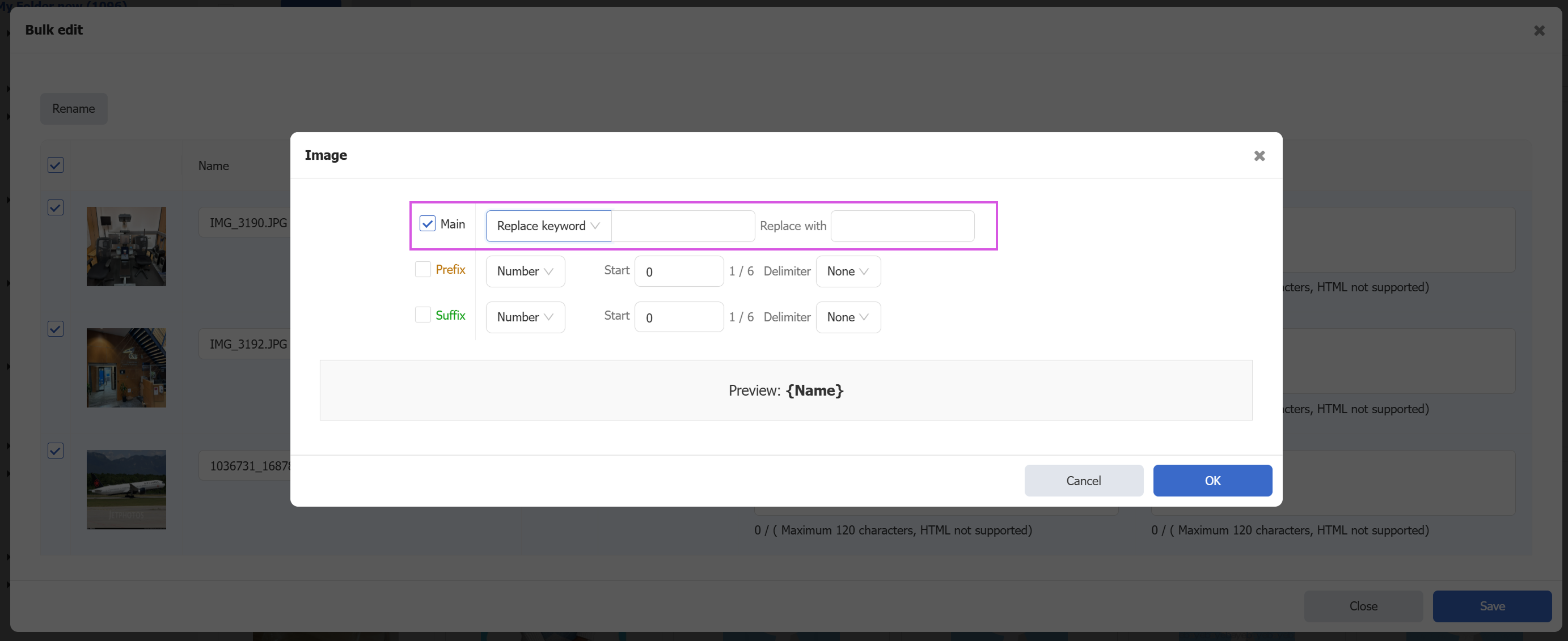
- Bulk image renaming with keyword replacement
Path: Image > Edit > Rename
When bulk‑editing images, you can now replace specific keywords in file names and preview the result before applying, helping you generate consistent, SEO‑friendly image names in just a few clicks