After the system update, to avoid page display issues caused by cache, it is recommended to press Ctrl+F5 to force refresh the browser.
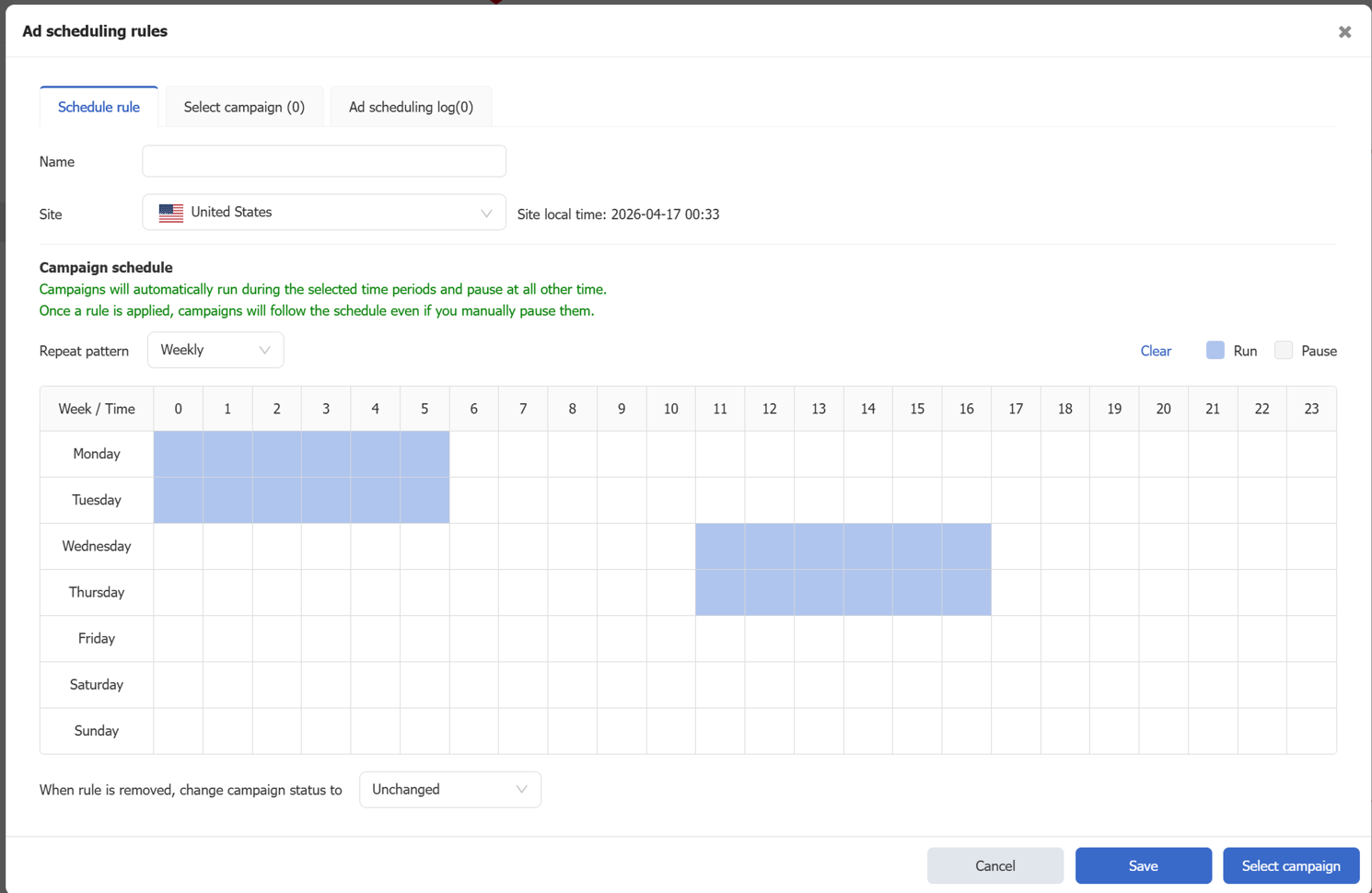
- Ad Scheduling Rules
Path: Listings > eBay Marketing > Ad Scheduling Rules
Ads can be automatically paused during specified time periods and automatically enabled during other periods, helping sellers reduce advertising spend during low-conversion periods.
For detailed instructions, please refer to: Ad Scheduling Rules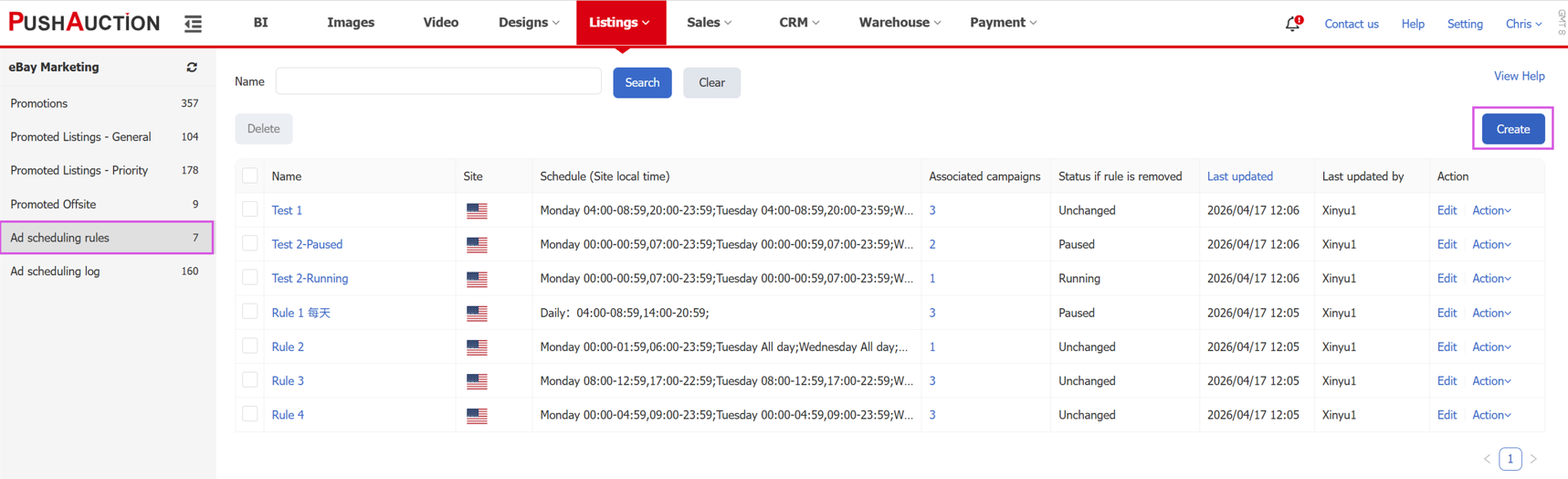
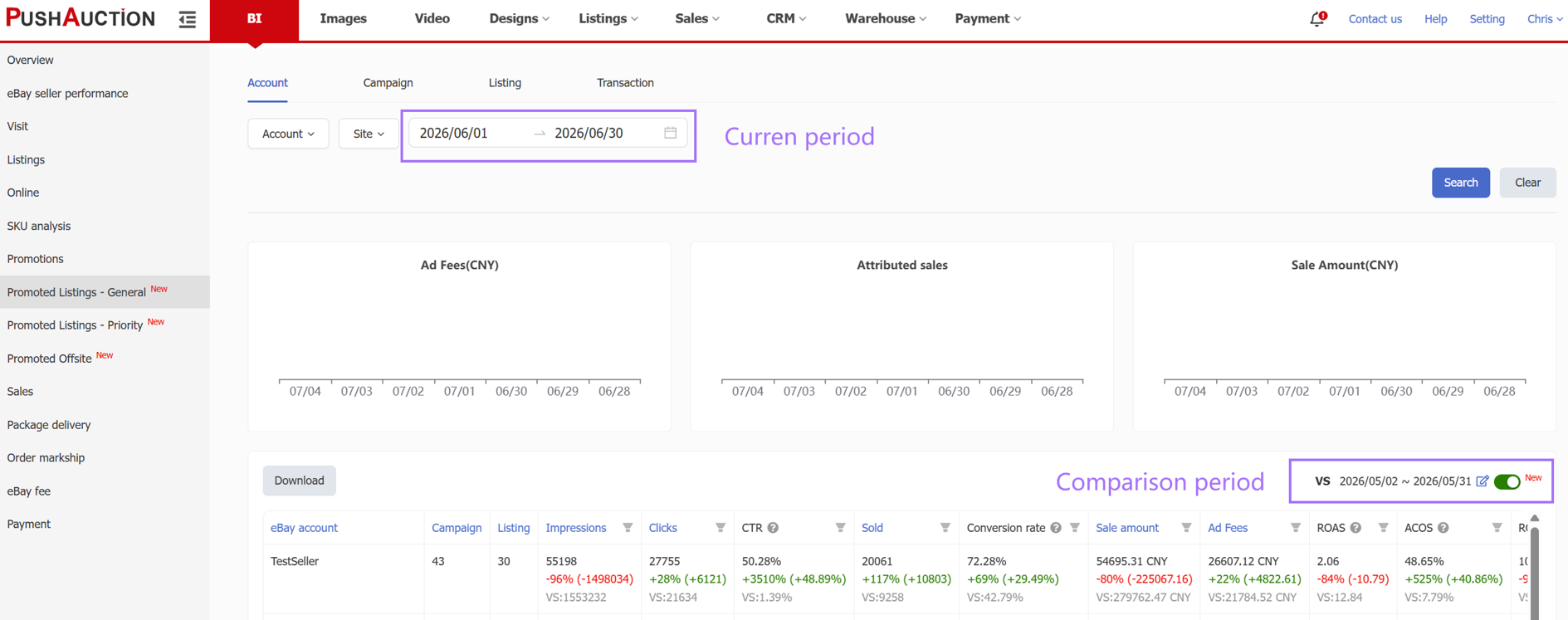
- BI Supports Period-over-Period Comparison
Path: BI > PLP, PLG, PO
The PLP, PLG, and PO promotions BI analysis pages now support a period-over-period comparison mode. Comparison periods can be customized to better analyze performance trends.
- Listing Management Page Now Supports Bulk Management of PLP/PLG Campaigns (Available to Limited Users Only, Please Contact Support)
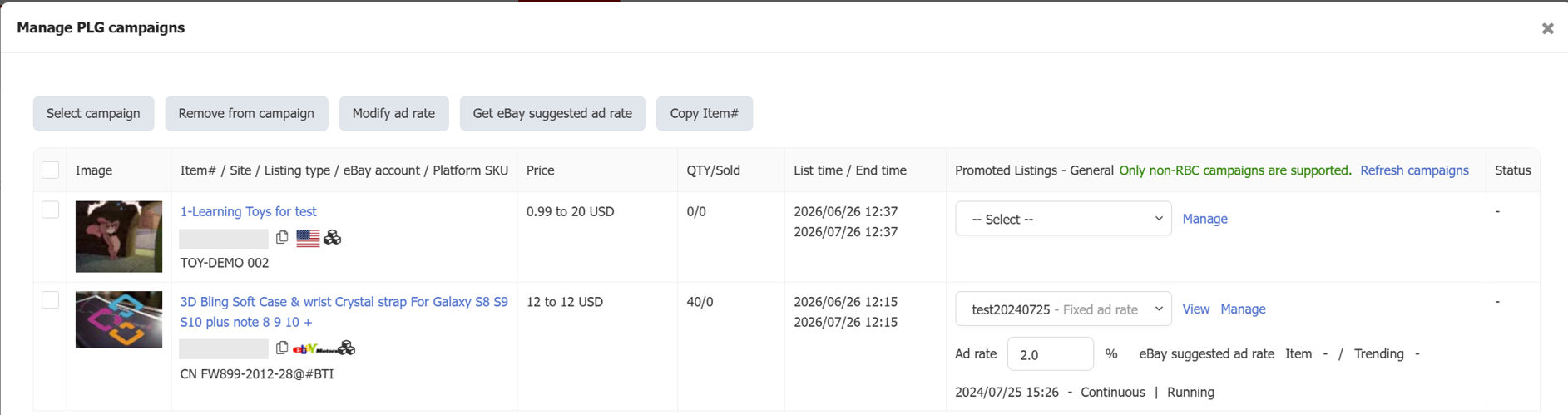
Path: Listings > Options > Manage PLP campaigns / Manage PLG campaigns
The listing page now supports bulk add promotions, bulk remove promotions, and bulk adjustment of ad rates, significantly improving advertising management efficiency.
For detailed instructions, please refer to: Bulk manage listings for PLG / PLP Campaigns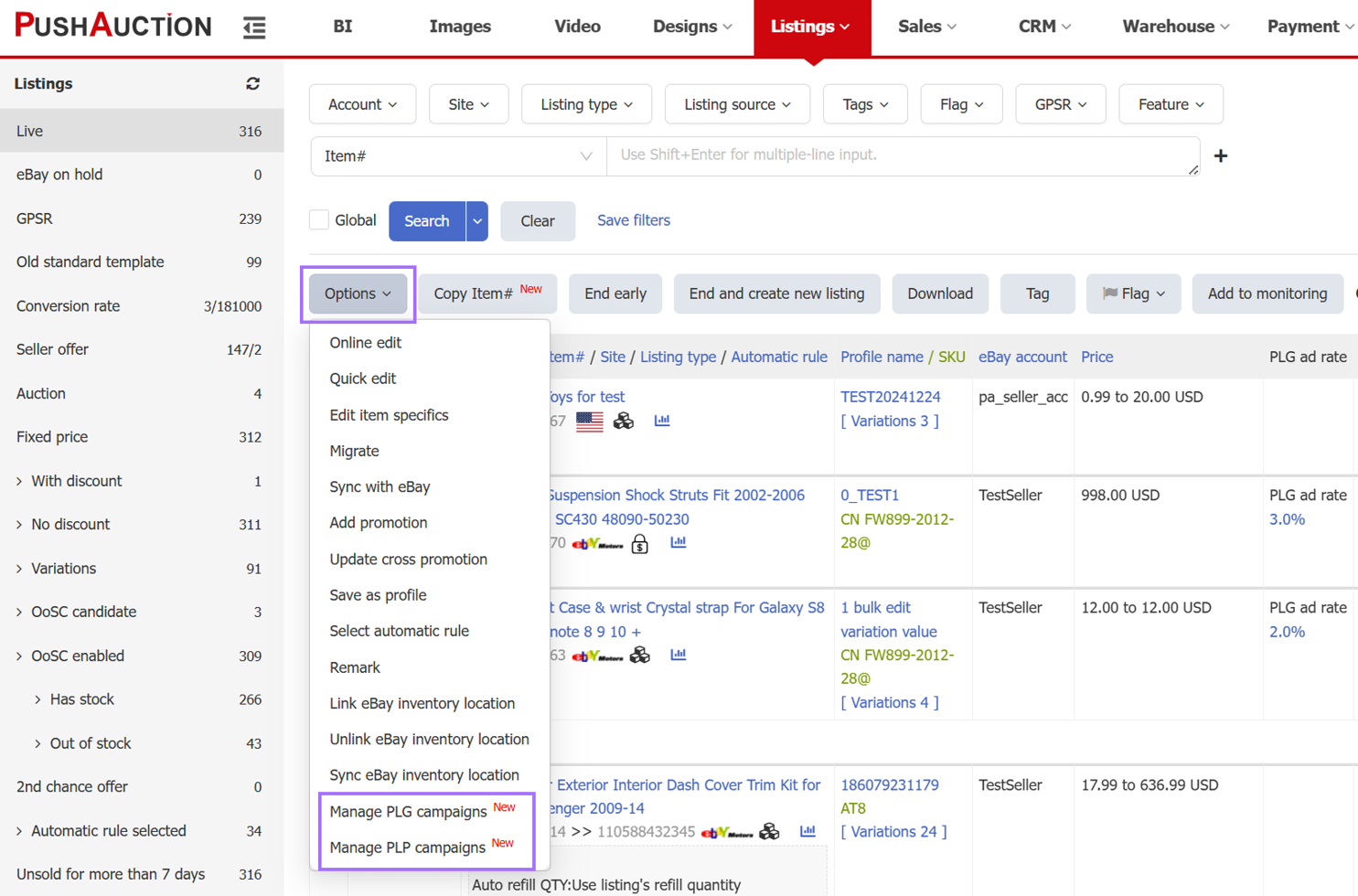
- Listing Analysis Page Now Supports View Option
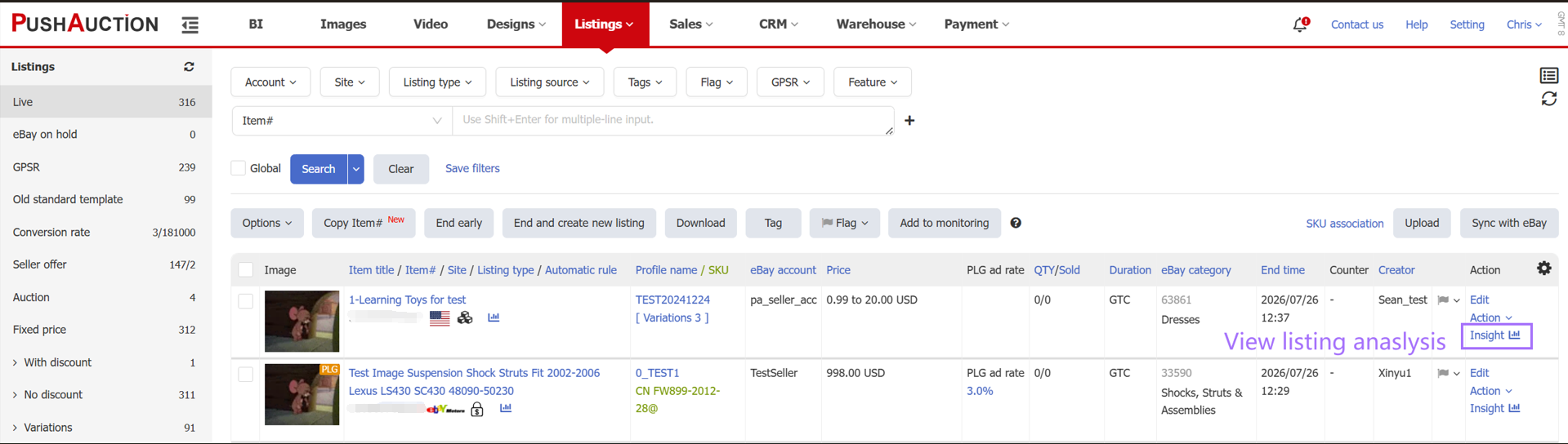
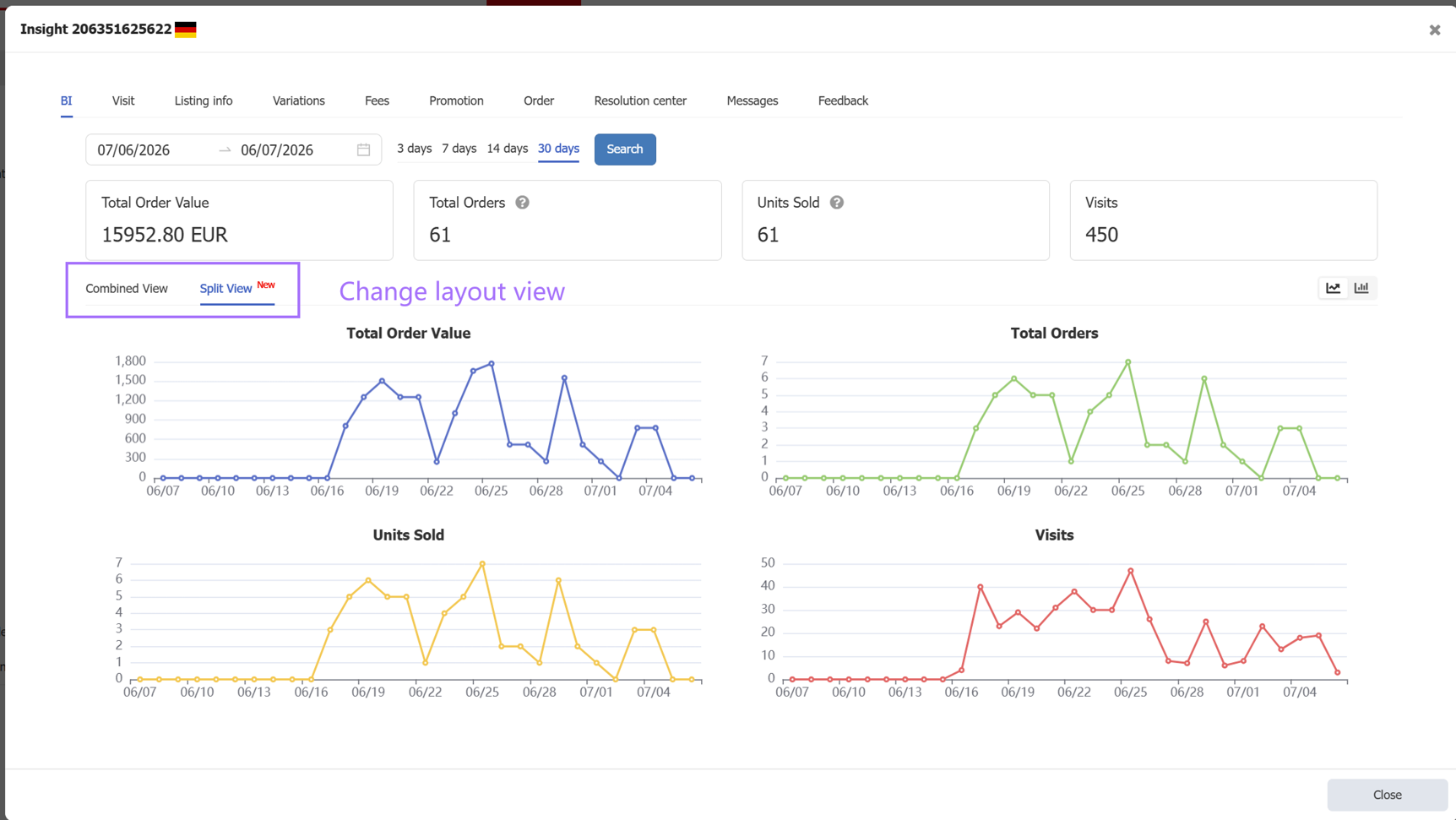
Path: Listings > Live > Analysis
The listing analysis page now supports switching between combined view and split view, making data more intuitive and easier to understand.
- Profiles and Listing Filter Templates
Path: Listings > Save Filters
Listing filters now support saving up to 30 commonly used filter templates. Click the dropdown arrow next to the search button to quickly reuse them, avoiding repeated setup of complex filters and significantly improving efficiency.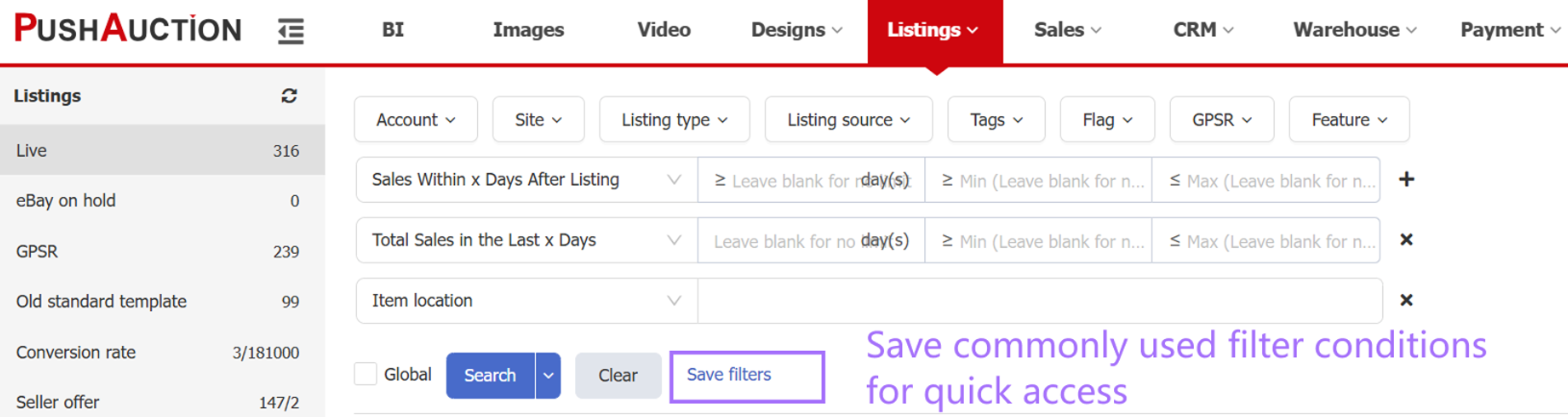
- PLP, PLG, and PO Support Remark Search
Path: Listings > eBay Marketing > PLP / PLG / PO
The PLP, PLG, and PO pages now support searching by remarks, making it easier to quickly locate campaigns.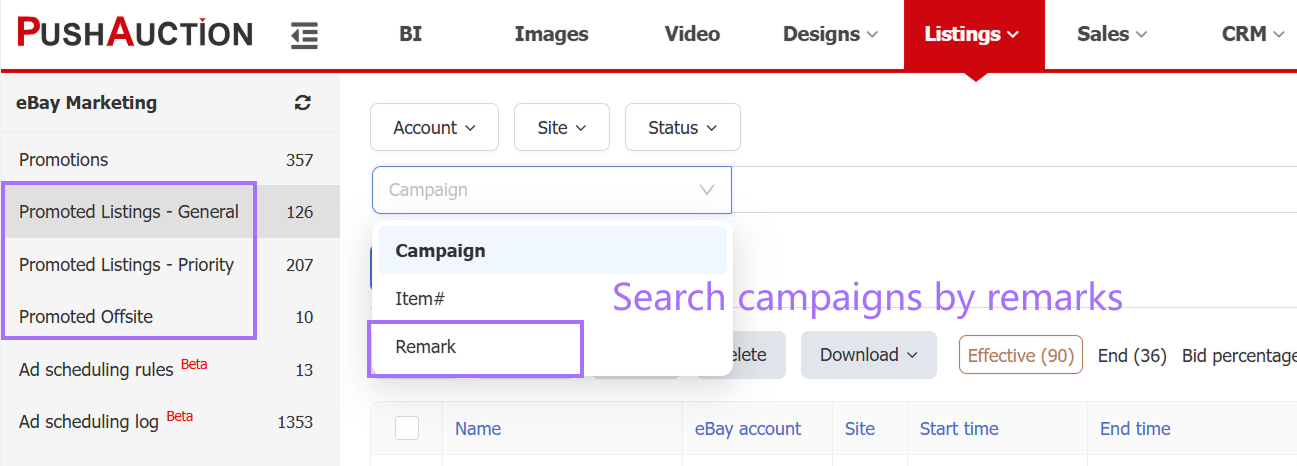
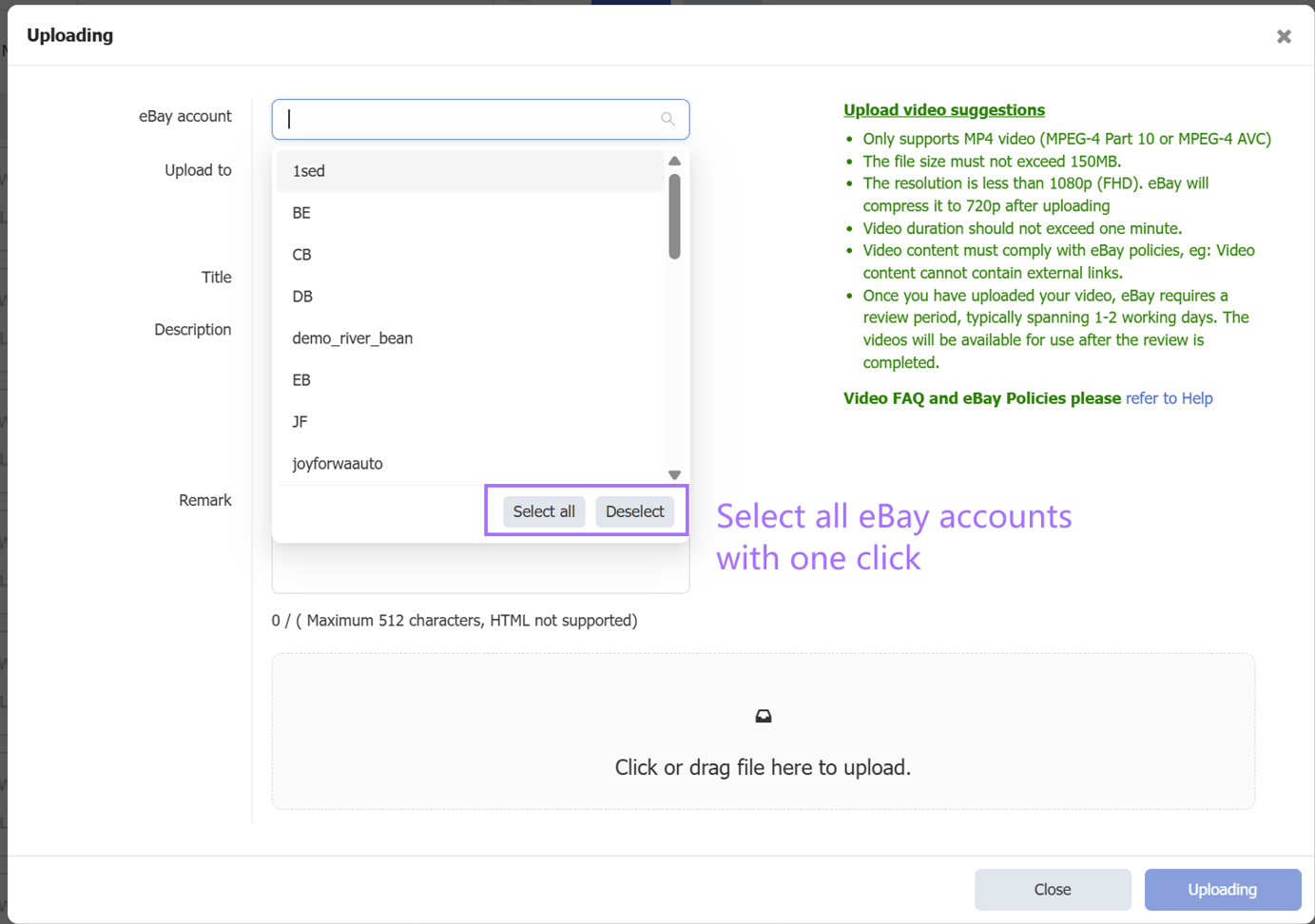
- Upload Video Supports Selecting All eBay Accounts
Path: Video > Upload > eBay Account